
How to delete a Facebook Fan Page


When I heard that one way of promoting your website is through facebook fan page, I immediately made one for me. Actually I don't have my own website yet but I have a free crochet pattern blog in blogspot dot com. As we know it, when you rush things, we sometimes forget to think about what we are doing and it becomes overwhelming. Next thing I knew, I had some many FB fan pages. Now I want to share with everyone the steps I took to clean up my FB fan pages.

I just wanted to help you on how you can delete your facebook fan page with pictures instructions.
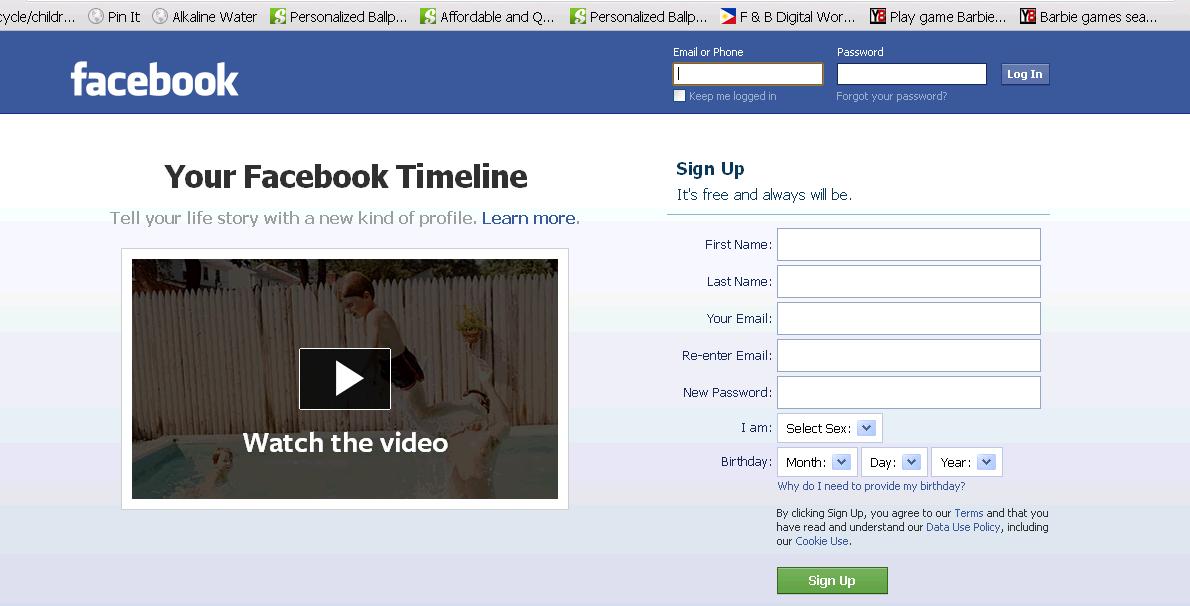


1. Log in to your account. 


2. Go to the fan page you want to delete.


3. Click edit page on the left sidebar over the fan page image.


4. Go to manage permissions at the top of the list on the left.


5. Click the option highlighted below in blue "delete _********_" or "permanently delete page"


Note: You can't retrieve the page once it's deleted, so be careful!


Comments

Popular posts from this blog

Candy Maracas

This is the first project of my daughter in her day care. A musical instrument out of recyclable materials.

Rheema's art @4 yo

What a difference a mood makes. My 4 year old daughter was so excited to color the fruits in her devotional booklet when we got home from church, she couldn't wait. We both knew she was very tired since we had been out all day and the day before. "This post supposedly posted 5 years ago, Rheema is 9 years old now :) How time flies."

Revolving Piano Duet: 1 Piano, 4 Pianist, and 8 Hymnals Songs

I always try to encourage Rheema to learn piano. Her grandmother is a pianist. When we visit her, sometimes she plays the piano. It does not seem like she is interested in playing the piano or learning. When I saw this trending in Facebook, I can't wait to share their video. Within 2 days of posting they gathered 3M viewers already.